Issue #2009
closedRecoveryInstallationWithHeimdall: check how to get the Galaxy Note 8.0 in the odin mode
0%
Files
DC Updated by Denis 'GNUtoo' Carikli over 6 years ago
The recovery installation instruction uses heimdall.
To use that you need to put the device in odin mode, which is well documented for most of the devices:
https://redmine.replicant.us/projects/replicant/wiki/RecoveryInstallationWithHeimdall#Prepare-the-device
- The Galaxy Nexus has a specific section as it has no select button and no warning screen
- All the other smartphones have been docmented and fall into the "All other devices" category.
- The Galaxy tab 2 7.0 GSM has no select button, and the other Galaxy tab 2 most probably fits into the same instructions, so a new instruction section was created for it.
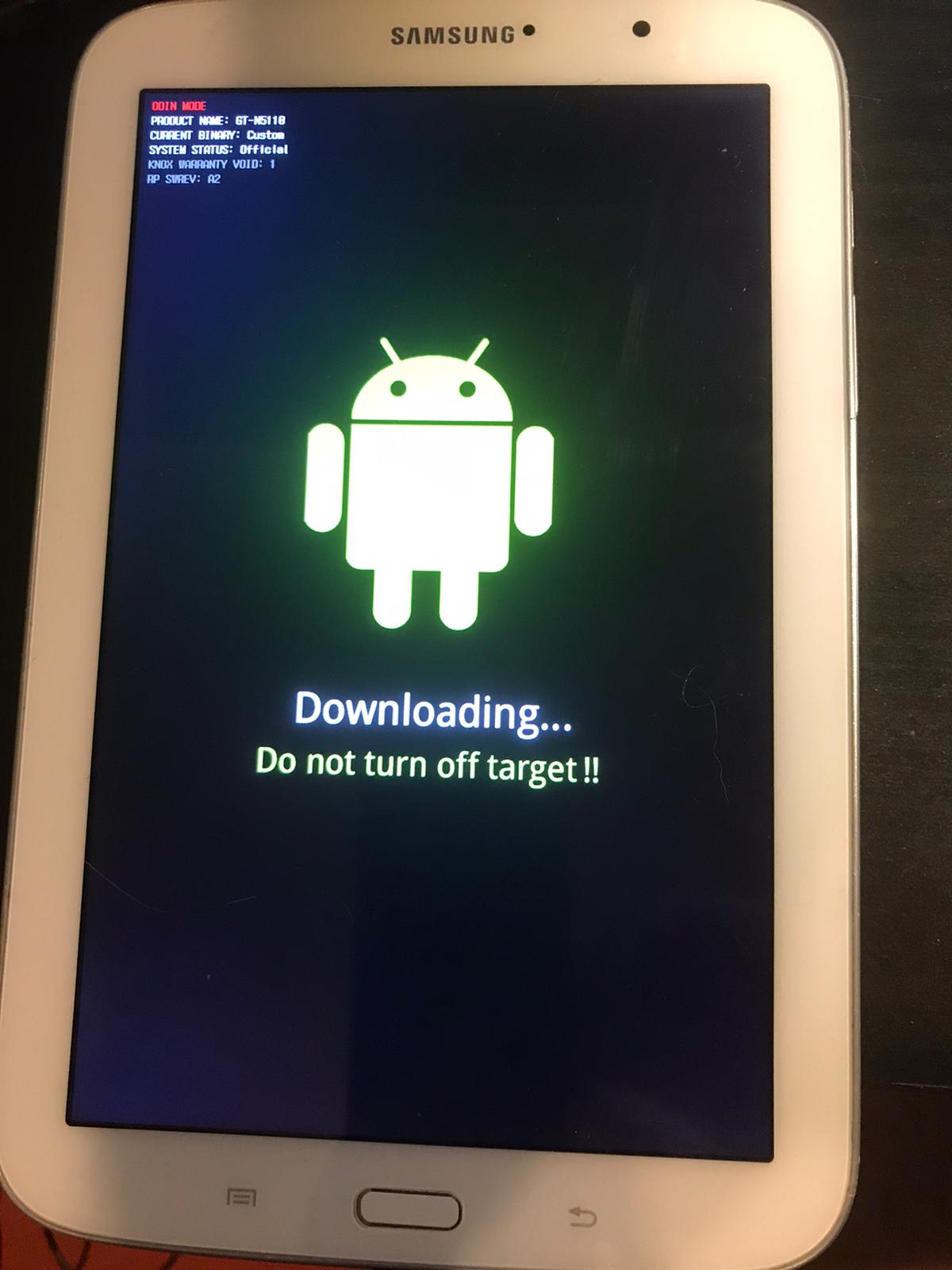
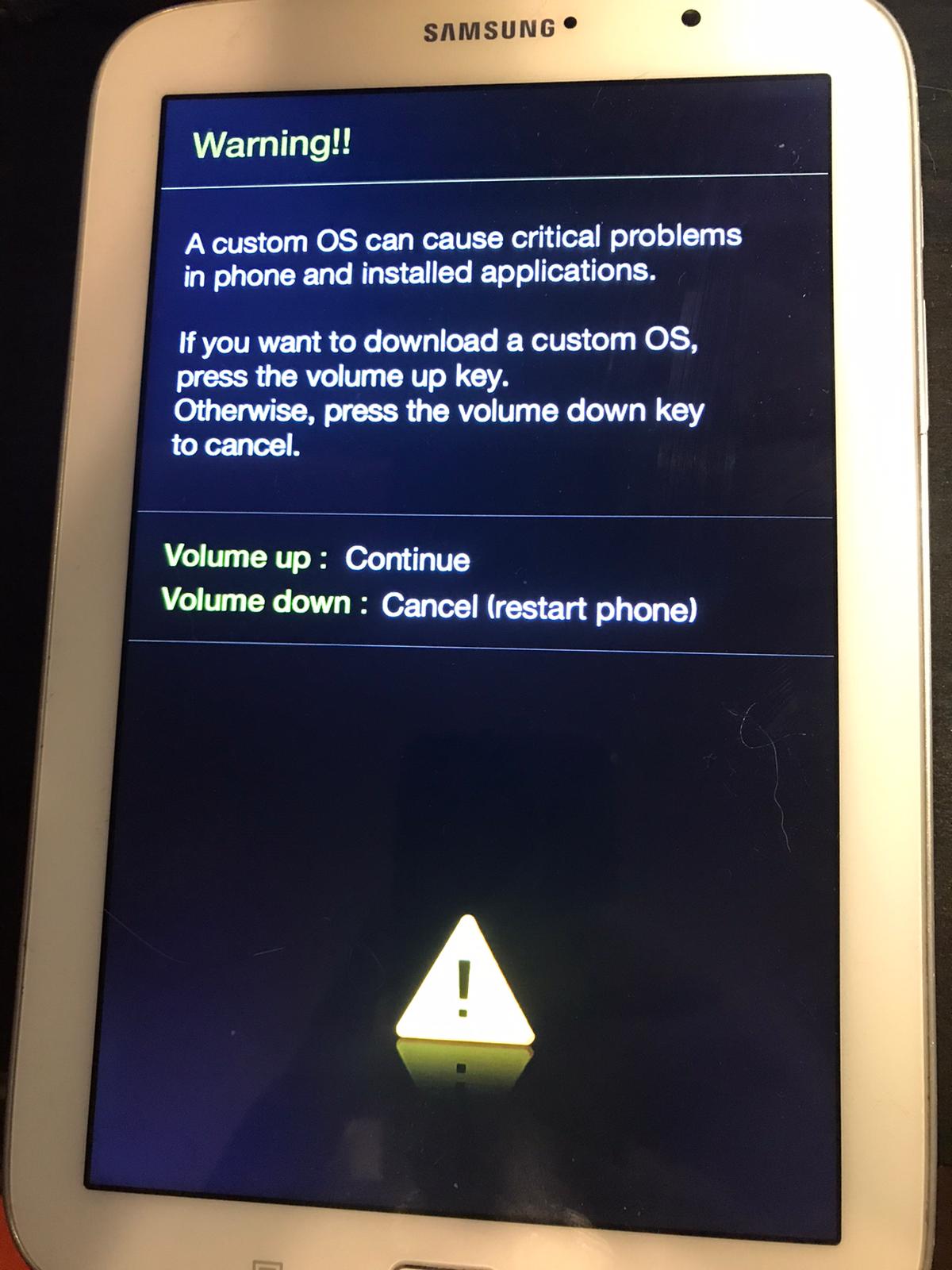
As I've no Galaxy Note 8.0 yet, I can't tell if they have a select button or how the warning screen looks without doing extensive researchs.
DC Updated by Denis 'GNUtoo' Carikli over 6 years ago
- Target version changed from Replicant 6.0 to Replicant 6.0 0004
DC Updated by Denis 'GNUtoo' Carikli about 6 years ago
- Subject changed from RecoveryInstallationWithHeimdall: check how to get in the odin mode to RecoveryInstallationWithHeimdall: check how to get the Galaxy Note 8.0 in the odin mode
 Updated by Anonymous about 6 years ago
- File odin.jpg odin.jpg added
- File warning.jpg warning.jpg added
The instructions in the wiki1 for entering ODIN mode for "all other devices" are valid for gt-n5110.
The gt-n5110 has a select button and it doesn't seem to make a difference whether you press it or not along with volume down and power when accessing ODIN mode.
I've also attached two pictures that show what the warning and ODIN mode screens look like.
DC Updated by Denis 'GNUtoo' Carikli almost 6 years ago
- Status changed from New to Resolved
- Resolution set to fixed
Thanks a lot for all the infos. It's now fixed in the installation instructions.